Hafilat Card Machines Near Me in Abu Dhabi
If you need to top up your Hafilat Card or purchase a new one, knowing where to find the nearest Hafilat Card Machine can save you time and prevent travel delays. Ticket Vending Machines (TVMs) are installed at major bus stations and transport hubs across Abu Dhabi, allowing passengers to recharge their Hafilat balance, buy travel passes, and manage their smart cards quickly without waiting at a service counter.
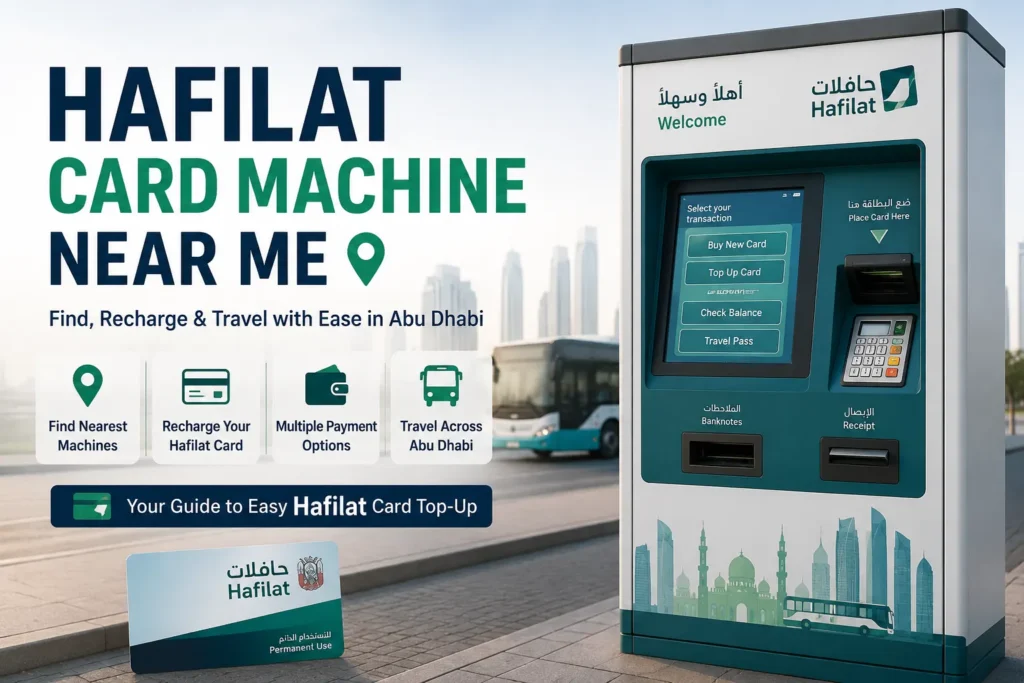
In this guide, you’ll learn how to find a Hafilat card machine near you, the best locations across Abu Dhabi, how to use a Ticket Vending Machine step by step, accepted payment methods, and alternative ways to recharge your Hafilat card online. Whether you’re a resident, commuter, student, or tourist, this guide will help you keep your Hafilat card ready for uninterrupted travel on Abu Dhabi’s public bus network.
Where to Find Hafilat Card Machines in Abu Dhabi
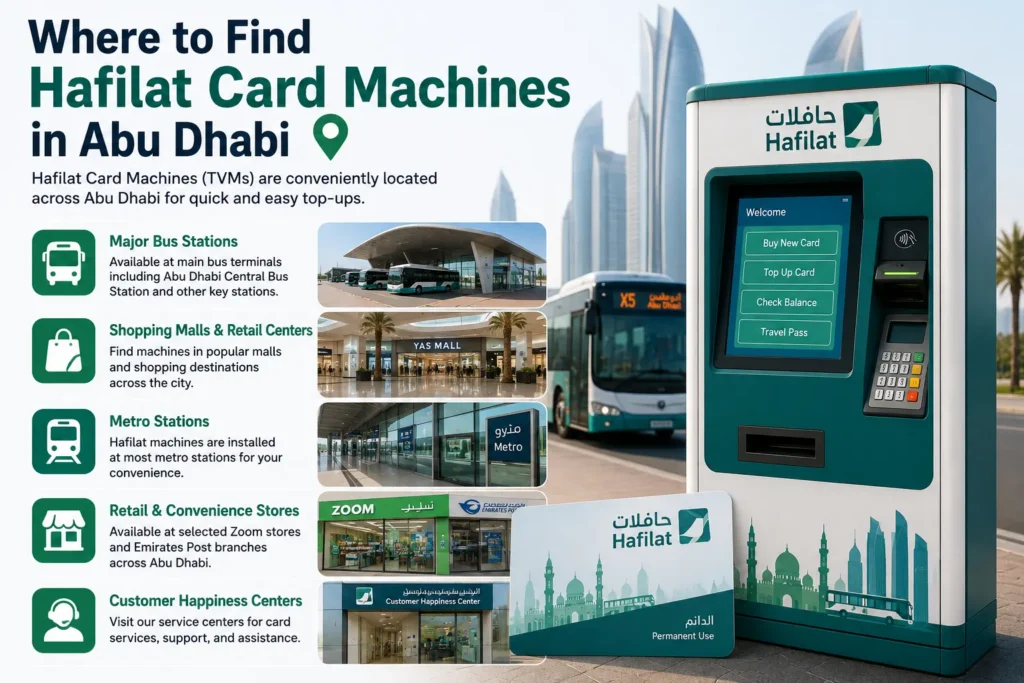
Hafilat Ticket Vending Machines (TVMs) are available at key public transport locations across Abu Dhabi, making it easy to purchase a new Hafilat Smart Card, recharge your T-Purse balance, or load a Weekly, Monthly, or Annual travel pass. These self-service machines operate in convenient locations, allowing passengers to manage their Hafilat cards without visiting a customer service centre.
Common Hafilat Card Machine Locations
You can usually find Hafilat card machines at:
- Major Bus Stations, including Abu Dhabi Central Bus Station, Al Ain Bus Station, Mussafah Bus Station, Shahama Bus Station, and other main transport hubs.
- Shopping Centres and Public Transport Hubs, where Hafilat services are available for passengers.
- Customer Happiness Centres and selected transport service offices.
- Other authorised public transport locations throughout Abu Dhabi.
Most Ticket Vending Machines support purchasing new Hafilat cards, checking your balance, recharging your account, and buying eligible travel passes.
How to Find the Nearest Hafilat Card Machine
If you’re looking for the closest Hafilat Ticket Vending Machine, there are several easy ways to locate one.
Use the Darb App
The official Darb app provides information about nearby transport services and can help you locate major Hafilat service points and public transport facilities.
Search on Google Maps
Open Google Maps and search for:
- Hafilat Card Machine Near Me
- Hafilat Ticket Vending Machine
- Hafilat Recharge Machine
- Abu Dhabi Bus Station
Google Maps will display nearby bus stations and transport centres where Ticket Vending Machines are commonly available.
Ask at a Bus Station
If you’re already travelling, staff at major bus stations or Hafilat customer service counters can direct you to the nearest Ticket Vending Machine. Bus station personnel can also assist if you need help purchasing a card, recharging your balance, or loading a travel pass.
Using these options makes it easy to find a nearby Hafilat Card Machine and keep your Smart Card ready for uninterrupted travel across Abu Dhabi’s public bus network.
How to Use a Hafilat Card Machine
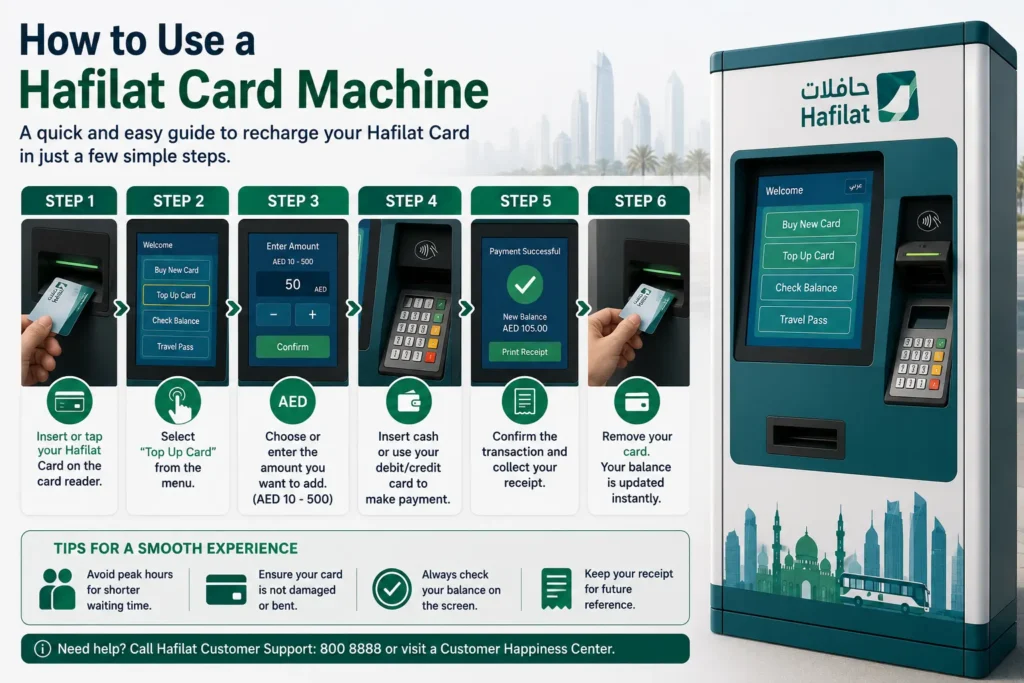
Hafilat Ticket Vending Machines (TVMs) make it quick and easy to recharge your Hafilat Smart Card, purchase travel passes, and check your balance. The entire process usually takes only a few minutes and can be completed using cash or a supported bank card.
Step-by-Step Guide to Recharging Your Hafilat Card
| Step | What to Do |
|---|---|
| Step 1 | Insert or place your Hafilat Smart Card on the machine as instructed. |
| Step 2 | Select Recharge Hafilat Card or the appropriate top-up option from the main menu. |
| Step 3 | Enter or choose the amount you want to add to your T-Purse balance, or select a Weekly, Monthly, or Annual travel pass if required. |
| Step 4 | Complete the payment using cash, debit card, or credit card, depending on the machine’s supported payment methods. |
| Step 5 | Confirm the transaction and wait while the machine processes your payment. |
| Step 6 | Collect your receipt and remove your Hafilat Card. Your updated balance or travel pass will be available immediately after the transaction is completed. |
Helpful Tips
- Keep your Hafilat card inserted or positioned correctly until the transaction has finished.
- Always collect your receipt as proof of payment.
- Check your updated balance on the machine before leaving.
- If the machine is busy, consider using another nearby Ticket Vending Machine or recharge your card online through the Darb app.
- For shorter waiting times, visit major bus stations outside peak commuting hours, particularly during late morning or early afternoon.
Using a Hafilat Card Machine is one of the fastest ways to keep your card topped up, ensuring uninterrupted travel on Abu Dhabi’s public bus network.
Alternative Ways to Recharge Your Hafilat Card
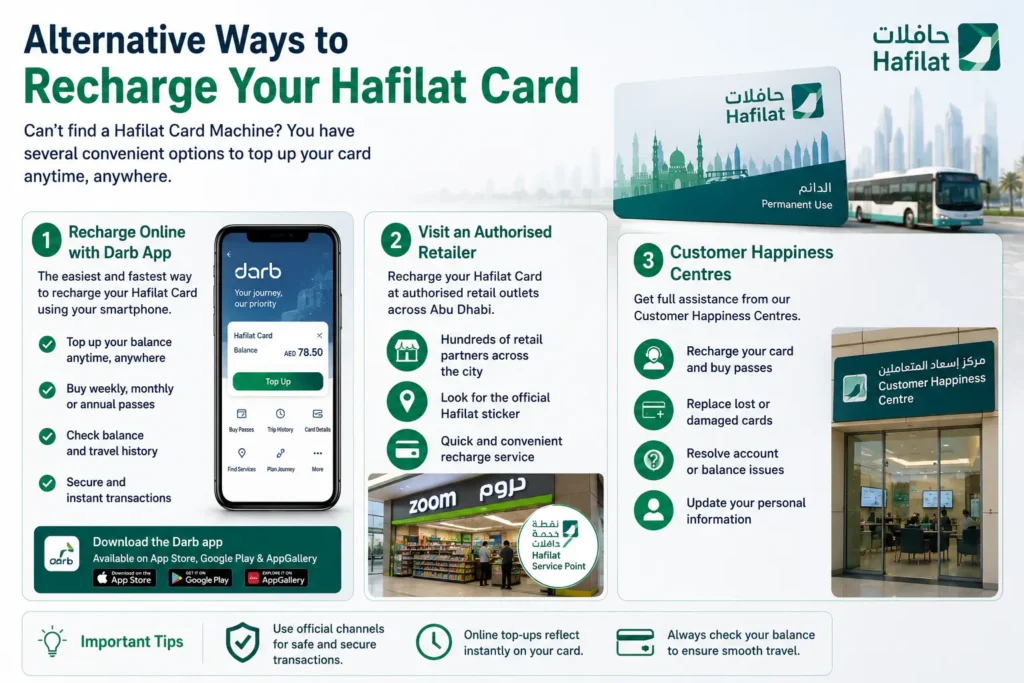
If you can’t access a Hafilat Card Machine, there are several other convenient ways to top up your Hafilat Smart Card or purchase travel passes. Depending on your location, you can recharge your card online, visit an authorised retailer, or get assistance from a customer service centre.
1. Recharge Online Through the Darb App
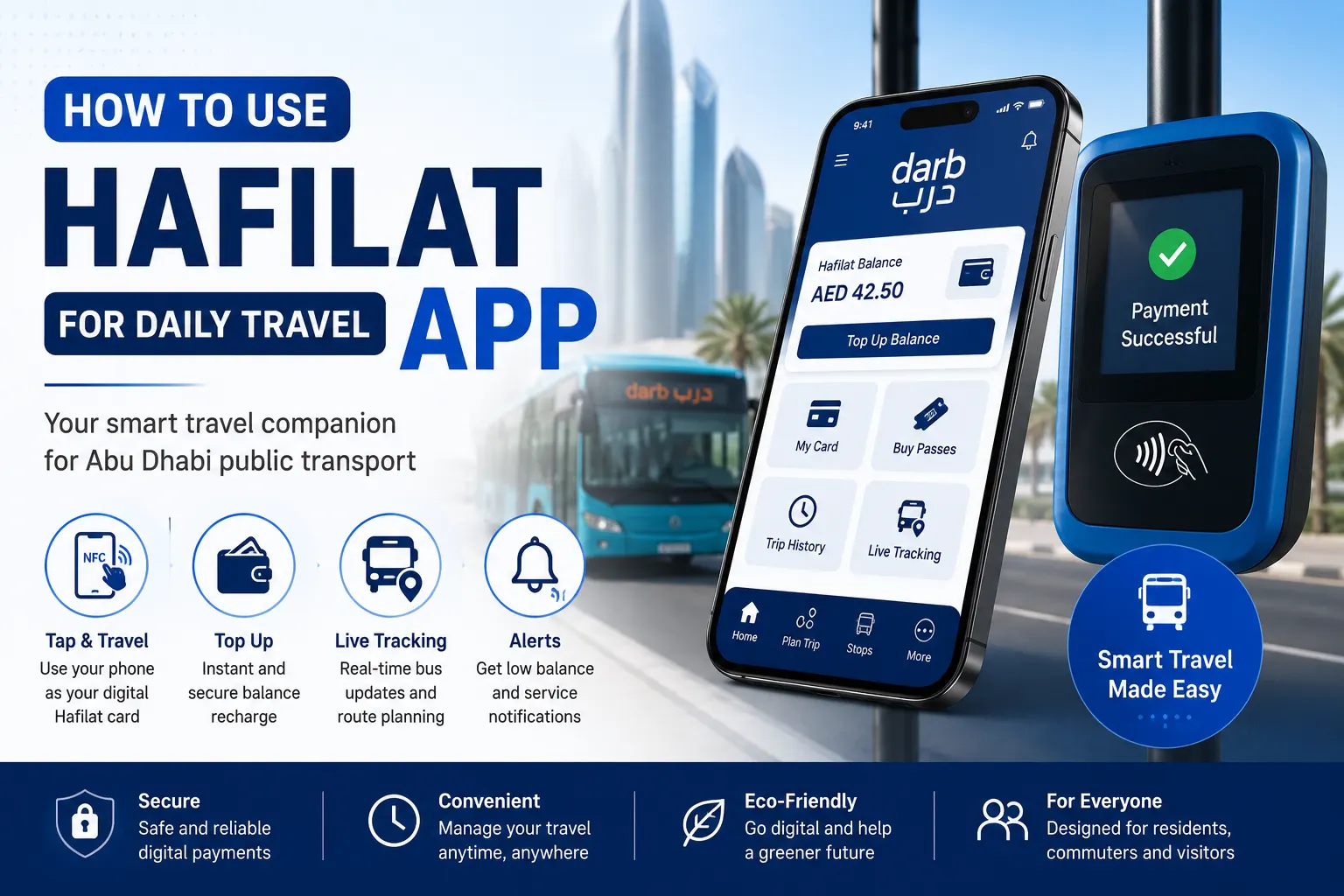
The easiest way to manage your Hafilat account is through the official Darb app. From your smartphone, you can:
- Check your Hafilat card balance
- Recharge your T-Purse online
- Purchase or renew Weekly, Monthly, and Annual Hafilat Passes
- View your travel history and transaction records
- Manage your Hafilat Smart Card without visiting a ticket office
Online recharge is available anytime, making it a convenient option for daily commuters and regular passengers.
2. Visit an Authorised Retailer
Many authorised retail outlets across Abu Dhabi offer Hafilat recharge services. Selected convenience stores, supermarkets, and other approved partners can add credit to your Hafilat card quickly and easily.
Before recharging your card, confirm that the store is an official Hafilat service partner, as not every retailer provides Hafilat services.
3. Customer Happiness Centres
If you need additional assistance, you can visit an official Customer Happiness Centre or authorised Hafilat service office. These centres can help you:
- Recharge your Hafilat Card
- Purchase a new Smart Card
- Buy or renew travel passes
- Replace a lost or damaged card
- Resolve account or balance-related issues
- Update your personal card information
Customer Happiness Centres are the best option for passengers who require personalised support or need assistance with more complex Hafilat account services.
Frequently Asked Questions
Where can I find the nearest Hafilat Card Machine?
You can locate the nearest Hafilat Ticket Vending Machine (TVM) by using the Darb app, checking major bus stations, or searching “Hafilat Card Machine Near Me” on Google Maps. Most machines are installed at Abu Dhabi’s main transport hubs and bus terminals.
Can I recharge my Hafilat Card online?
Yes. You can recharge your Hafilat Smart Card online through the official Darb app, where you can also check your balance, purchase travel passes, and manage your transport account from your smartphone.
What payment methods do Hafilat Card Machines accept?
Most Hafilat Ticket Vending Machines accept cash, debit cards, and credit cards. Available payment methods may vary depending on the machine and its location.
What should I do if a Hafilat Card Machine doesn’t return my card?
If your card is retained by the machine or you experience a technical issue, note the machine’s location or identification number and contact the nearest Customer Happiness Centre or the official Hafilat customer support team for assistance. Avoid leaving the machine before reporting the issue.
How long does it take for a Hafilat recharge to appear?
In most cases, Hafilat card recharges are processed immediately, whether you top up your balance using a Ticket Vending Machine or through the Darb app. If your updated balance does not appear straight away, wait a few minutes and check your card again before contacting customer support.
Conclusion
Knowing where to find a Hafilat Card Machine makes it easy to keep your Hafilat Smart Card ready for every journey. Whether you choose to recharge your card at a Ticket Vending Machine, through the Darb app, at an authorised retailer, or at a Customer Happiness Centre, you’ll always have convenient options to manage your balance and travel passes. Before travelling, make sure your Hafilat card has sufficient credit or an active pass to enjoy uninterrupted bus travel across Abu Dhabi, Al Ain, and Al Dhafra.